Usage & billing
Your wallet, current-period usage, plans, and how metering works in Hanzo Team.
Hanzo Team bills through your Hanzo account, shared with the rest of the Hanzo product suite. Everything you spend is tracked against a single wallet, and your plan sets your included usage and rate limits.
Opening Usage & billing
Open the account menu (your avatar at the bottom of the app rail) and choose Usage & billing. The same entry appears at the bottom of Settings.
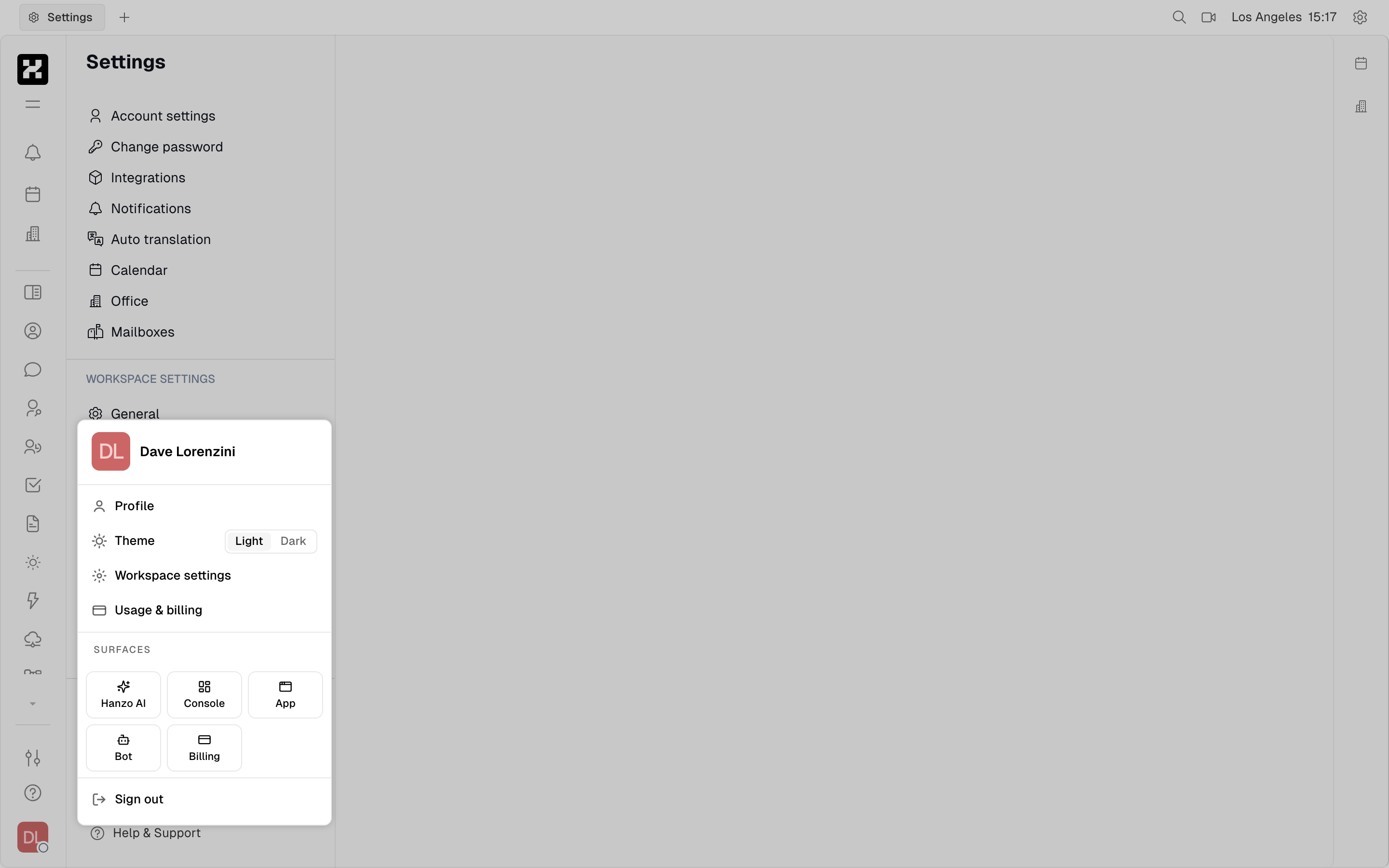
The Usage & billing entry in the account menu.
On mobile: the account menu opens as a sheet — Usage & billing is in the same place.
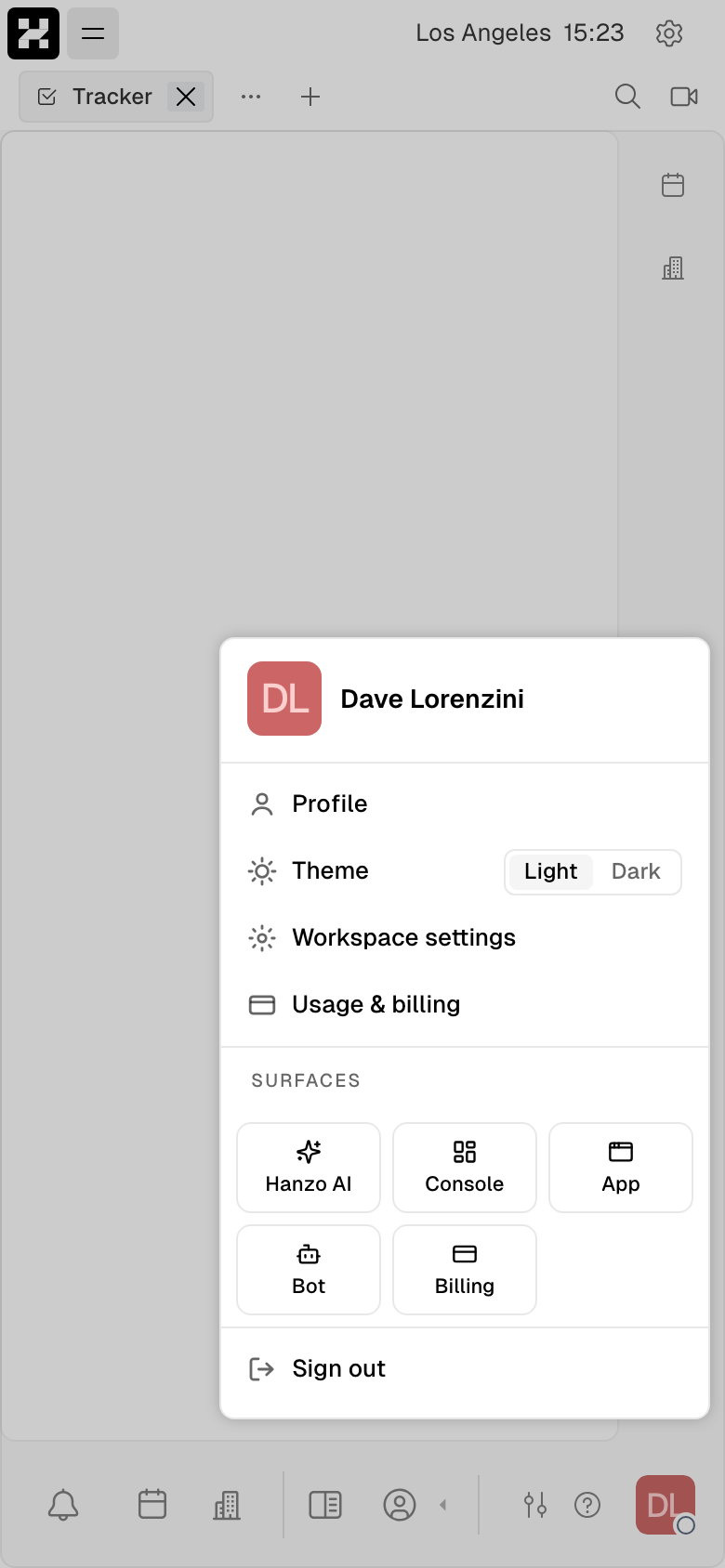
The Usage & billing entry on a phone.
Your wallet
The wallet sits at the top of the Usage & billing page. It shows what you can spend, what you've used this period, and which plan you're on.
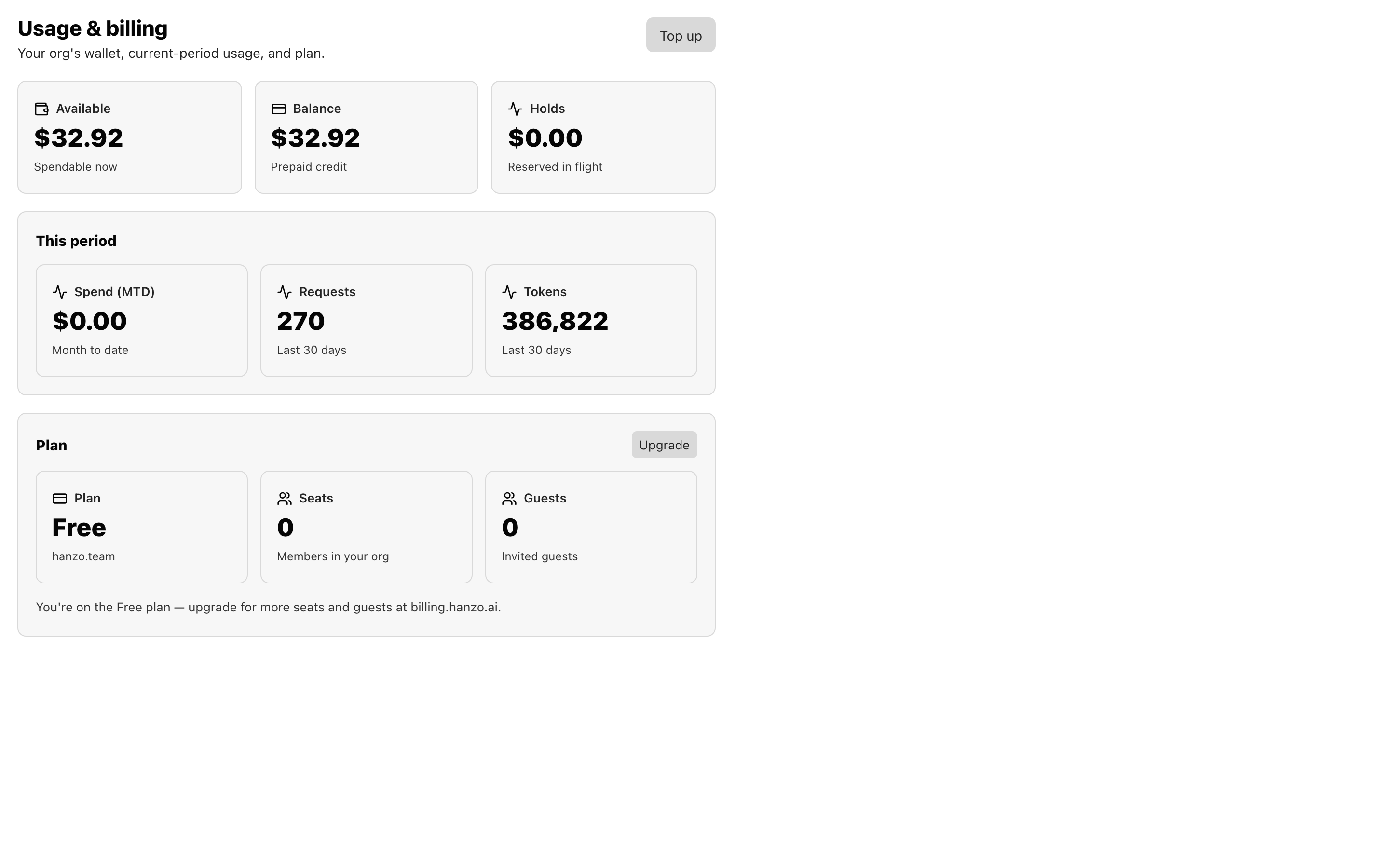
The wallet: Available / Balance / Holds up top, this-period usage in the middle, and your plan, seats, and guests below.
- Available — what you can spend right now.
- Balance — your prepaid credit.
- Holds — amounts reserved for requests still in flight.
- This period — spend month-to-date, plus requests and tokens over the last 30 days.
- Plan / Seats / Guests — your active plan, the members in your org, and any invited guests.
Use Top up to add prepaid credit, and Upgrade to move to a higher plan. Usage is metered continuously against your balance, so the numbers here update as your team works.
On mobile: the wallet cards stack into a single column.
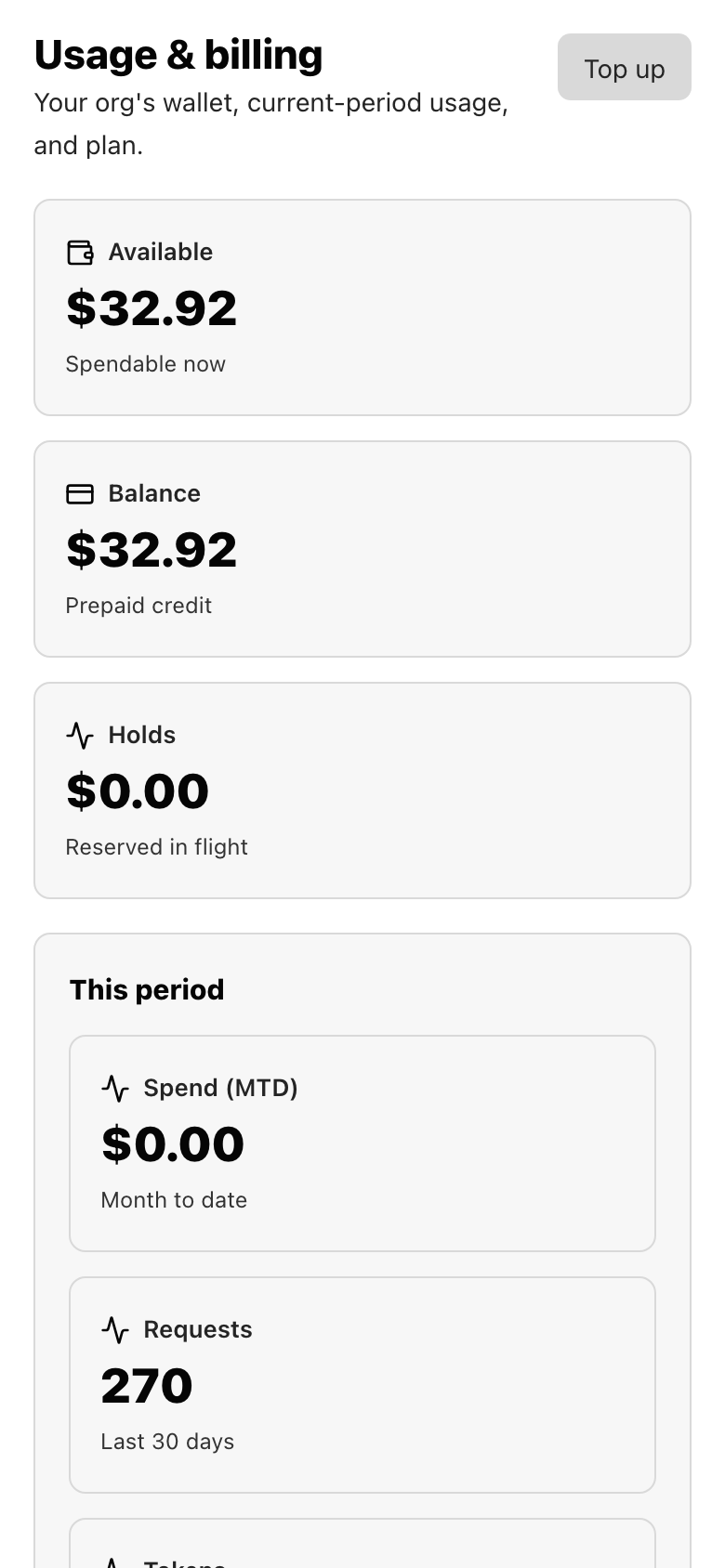
The wallet on a phone.
Plans and pricing
Plans, upgrades, and payment live at billing.hanzo.ai — the same billing surface as the rest of Hanzo. Sign in to subscribe or change plans.
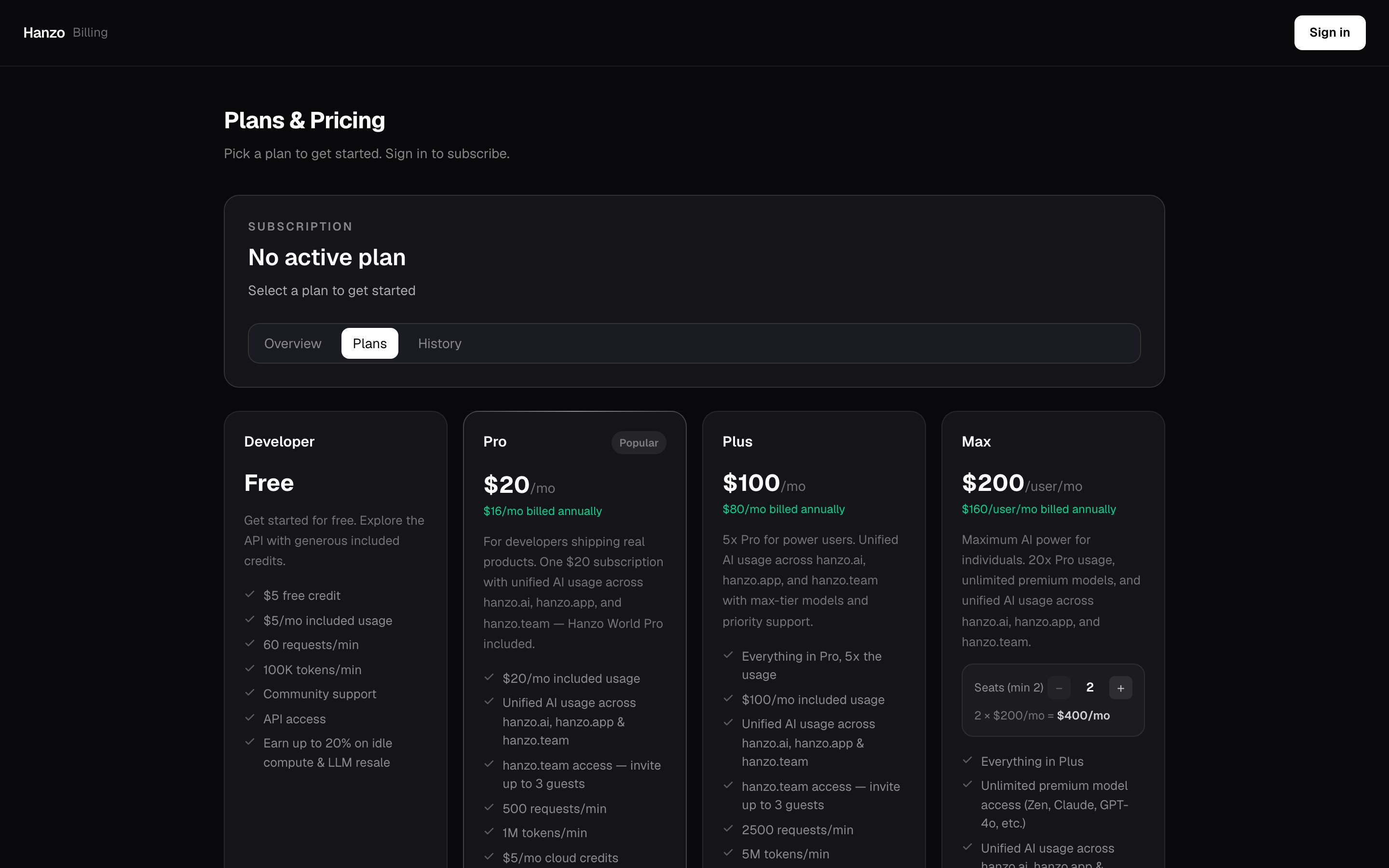
Plans & Pricing at billing.hanzo.ai: Developer, Pro, Plus, and Max.
- Developer — free. Generous included credit for exploring, with community support and API access.
- Pro — $20/mo (less billed annually). Unified AI usage across hanzo.ai, hanzo.app, and hanzo.team, plus Hanzo Team access with guest invites.
- Plus — $100/mo. Everything in Pro at higher usage, with max-tier models and priority support.
- Max — $200/user/mo, minimum two seats. Maximum usage, unlimited premium models, for teams that live in the tools.
Because Hanzo Team shares one identity and one billing account with the rest of Hanzo, a plan's included AI usage carries across the whole product suite rather than being billed separately per tool.
On mobile: the plan cards stack vertically so you can compare them by scrolling.
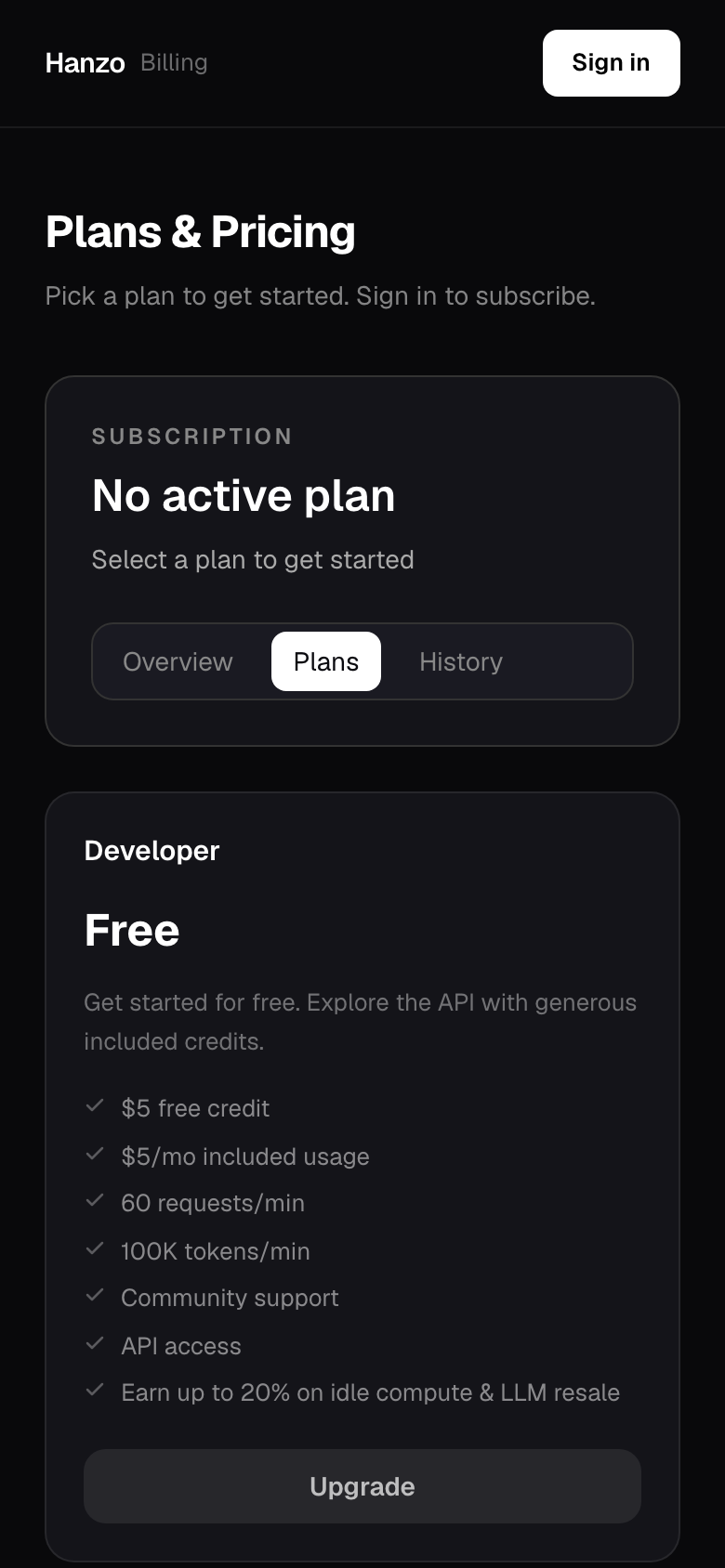
Plans & Pricing on a phone.
One usage ledger
All metered usage — storage, meetings, and AI — is recorded in a single unified ledger for your account. AI you use inside Hanzo Team draws from the same balance as AI used elsewhere in Hanzo, so you get one consolidated view of consumption instead of a separate bill per surface. See Agents & bots for what counts as AI usage.
Managing your subscription
- Top up — add prepaid credit from the wallet.
- Change plan — upgrade or downgrade at billing.hanzo.ai.
- Add or remove members — adjust membership under Settings → Members; seat-based plans follow your member count.
- Invoices and payment — handled through your Hanzo billing account, shared across Hanzo products.