Agents & bots
Put Hanzo AI to work inside your Hanzo Team workspace.
Hanzo Team includes an AI Assistant — an AI-powered assistant that helps organize, automate, and streamline your work across the platform. It is powered by Hanzo AI and metered through the same usage ledger as the rest of your account.
The AI Assistant
Enable the AI Assistant from Settings → Integrations. Once connected, it can work across your apps to:
- Summarize long documents, issues, and channel threads.
- Draft replies, issue descriptions, and documents.
- Automate routine follow-ups — for example, turning a discussion into action items.
- Answer questions about the content in your workspace.
Agents are members
An agent or bot joins your workspace as a member, so it appears in your Contacts directory alongside people. In the example below, the bot maxpower-assistant sits in the Employee list next to human teammates:
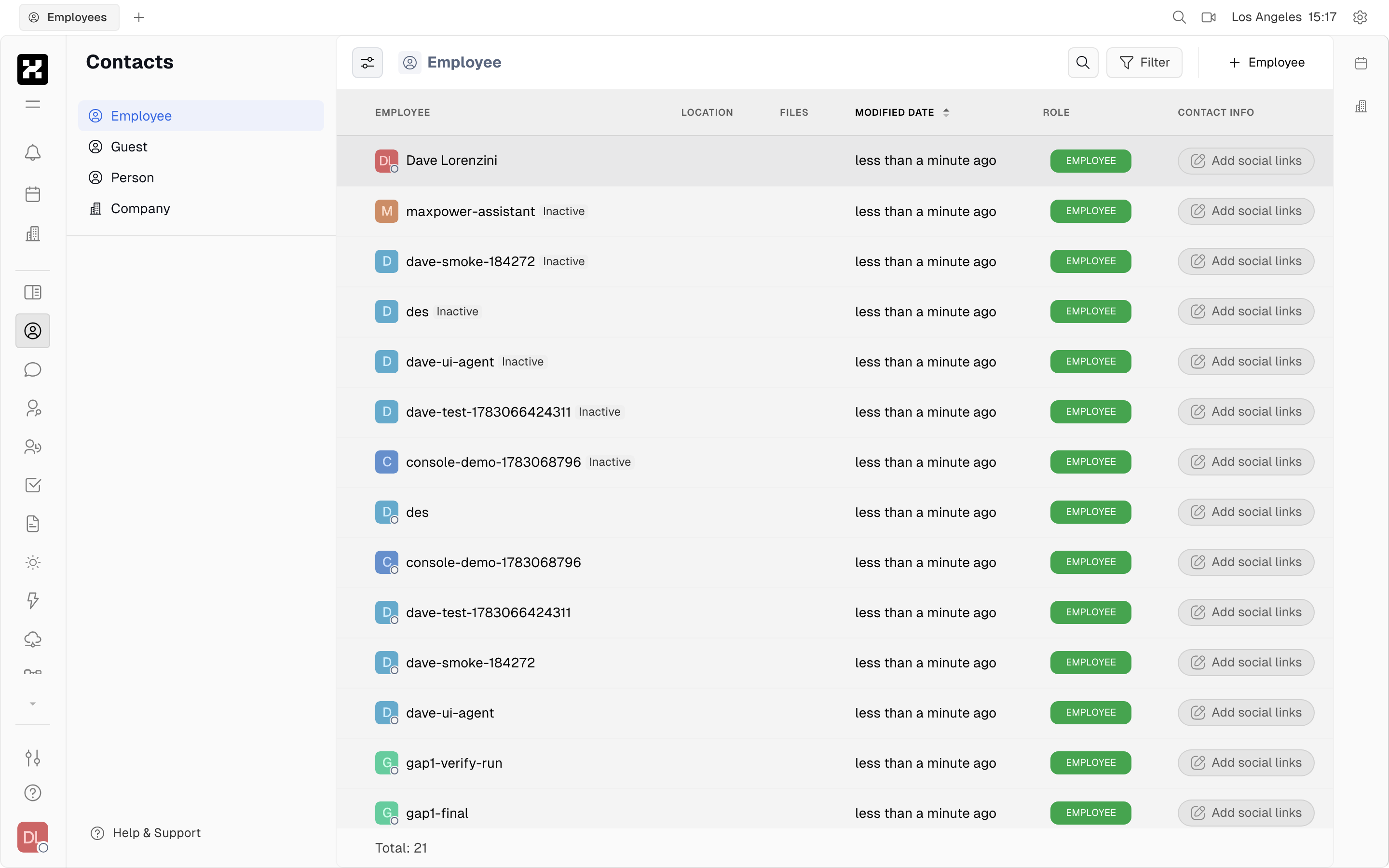
The Contacts directory listing members, including the bot maxpower-assistant.
Because agents are members, you can @mention them, add them to channels, and assign them work just like anyone else.
On mobile: the directory scrolls in a single column.
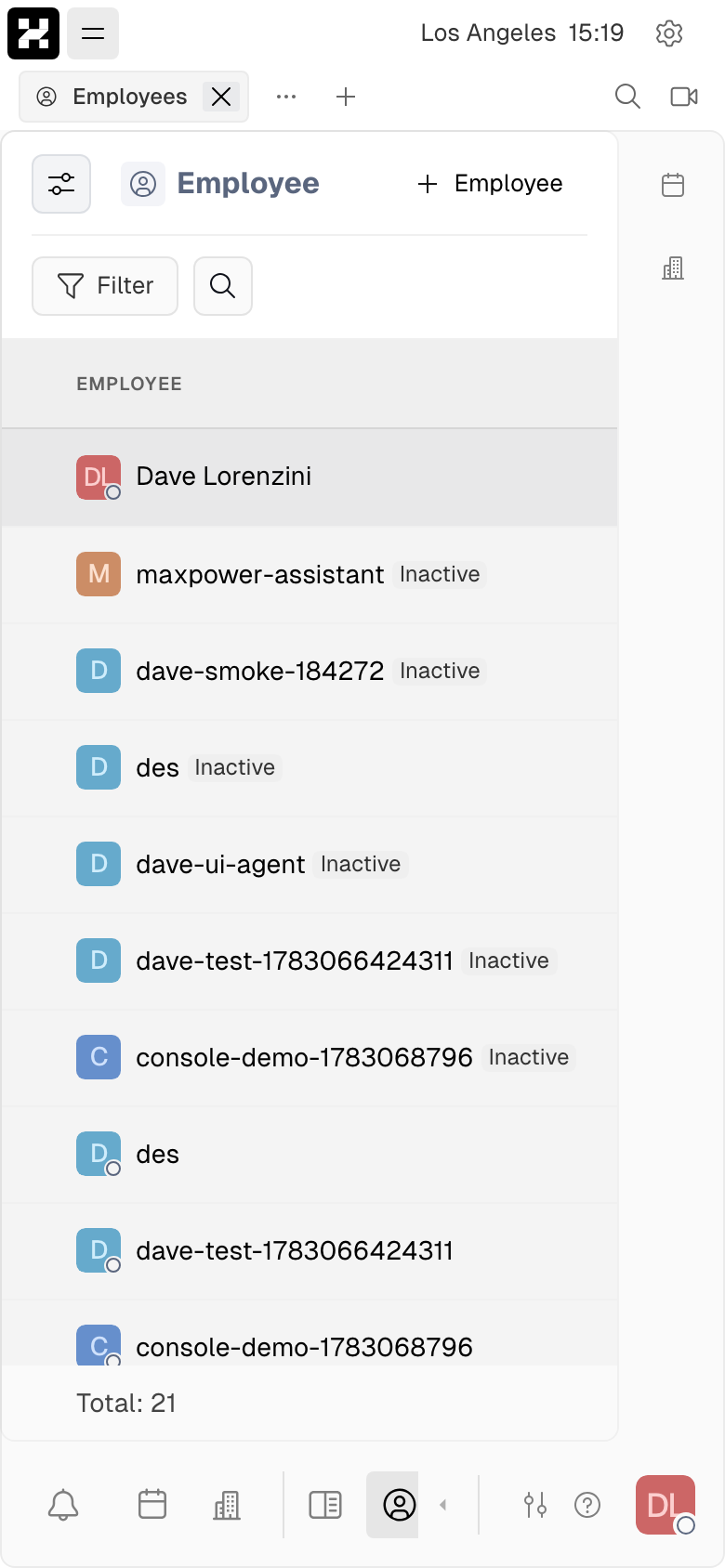
The member directory on a phone.
Chatting with an agent
You interact with the assistant as a participant in chat: mention it in a channel, or open a direct message and talk to it one-on-one. Send a request and it replies inline in the thread — here it answers a direct message:
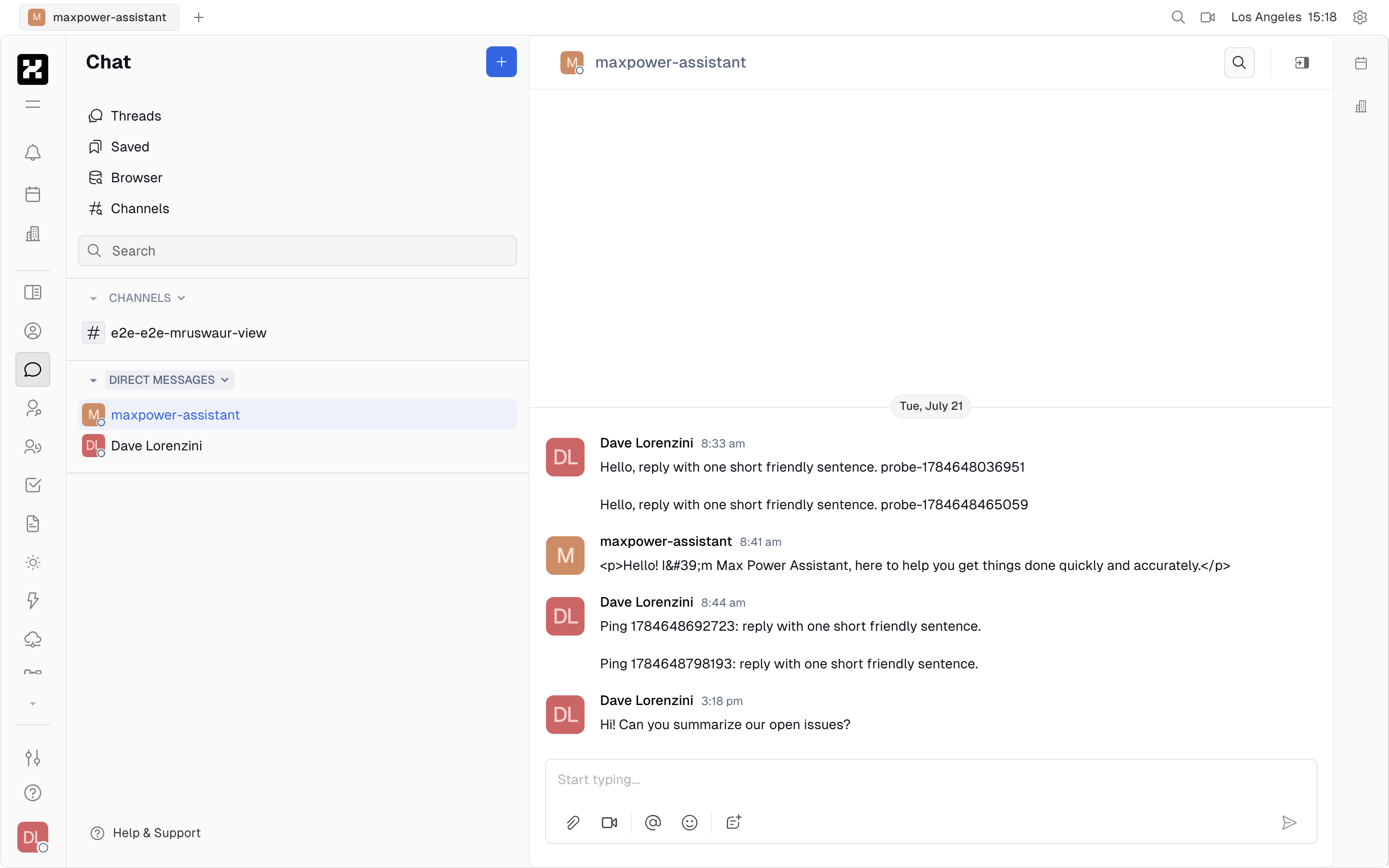
A direct message with maxpower-assistant: you send a prompt and the agent replies in the thread.
Ask it to summarize open issues, draft a message, or answer a question about your workspace — the conversation lives in Chat like any other DM, so you can scroll back through it later.
On mobile: the DM opens full-screen, one conversation at a time.
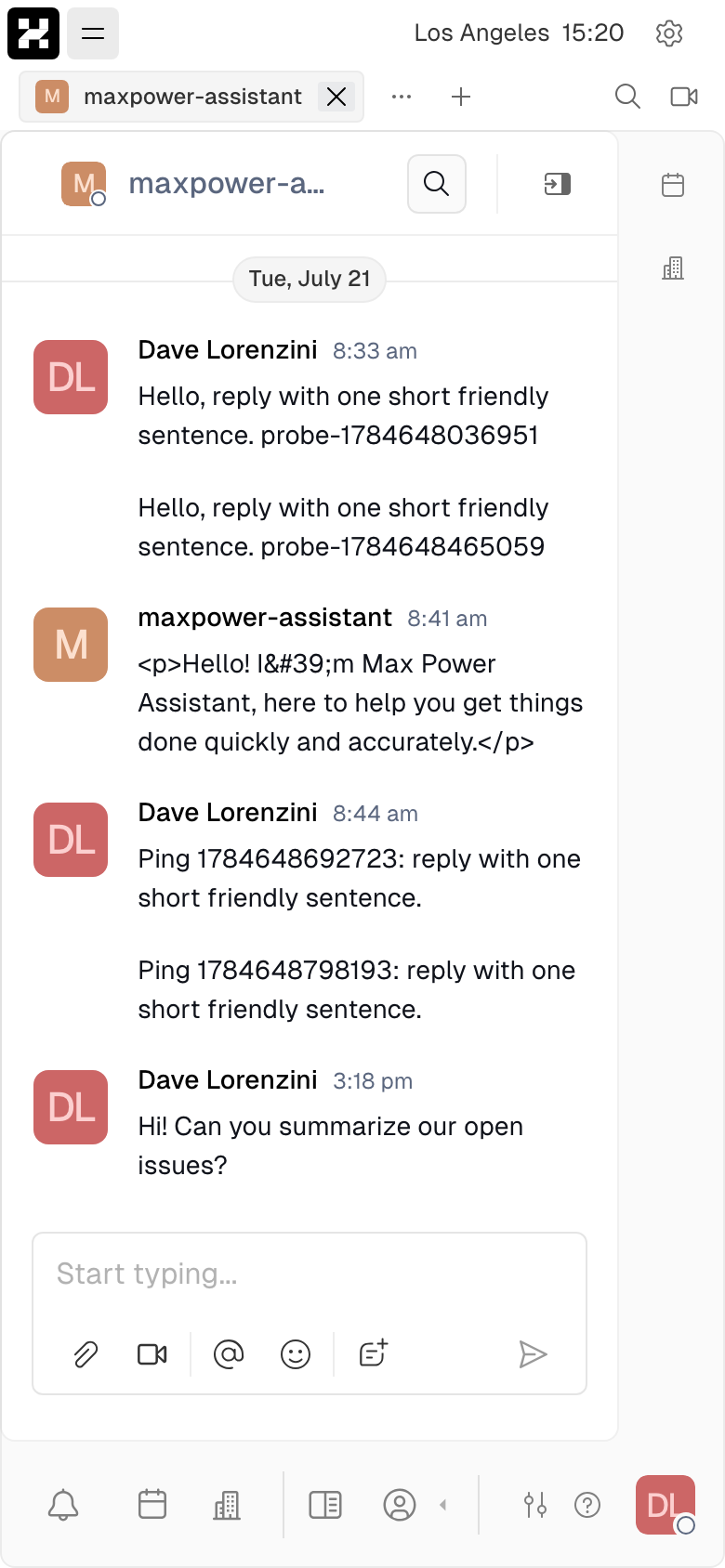
A direct message with an agent on a phone.
Transcription
In the virtual office, meetings can be transcribed by AI. Live transcription turns conversations into searchable text and can produce summaries and action items after a call.
Usage
AI features — assistant responses, transcription, and summaries — consume tokens and transcription time that count against your plan's included AI usage. Track consumption under Settings → Billing → Resource usage (the AI section). See Usage & billing for how the unified ledger works.
Privacy
The assistant operates within your workspace's permissions — it can only see content you can see. Administrators control whether AI features are enabled for a workspace under Settings.