Collaborative editing
Learn how to collaborate with your team in real time in documents.
One of the most powerful features of Hanzo Team documents is the ability for team members to collaborate in real time. Users can see each others' cursors and edits as they happen, making it easy to work together on planning materials, meeting notes, and other shared project resources.
A document opens in a full rich-text editor: a heading, body text, and everything you'd expect from a modern editor, all saved as you type and synced live to everyone with access. The Activity feed at the bottom captures comments and edits.
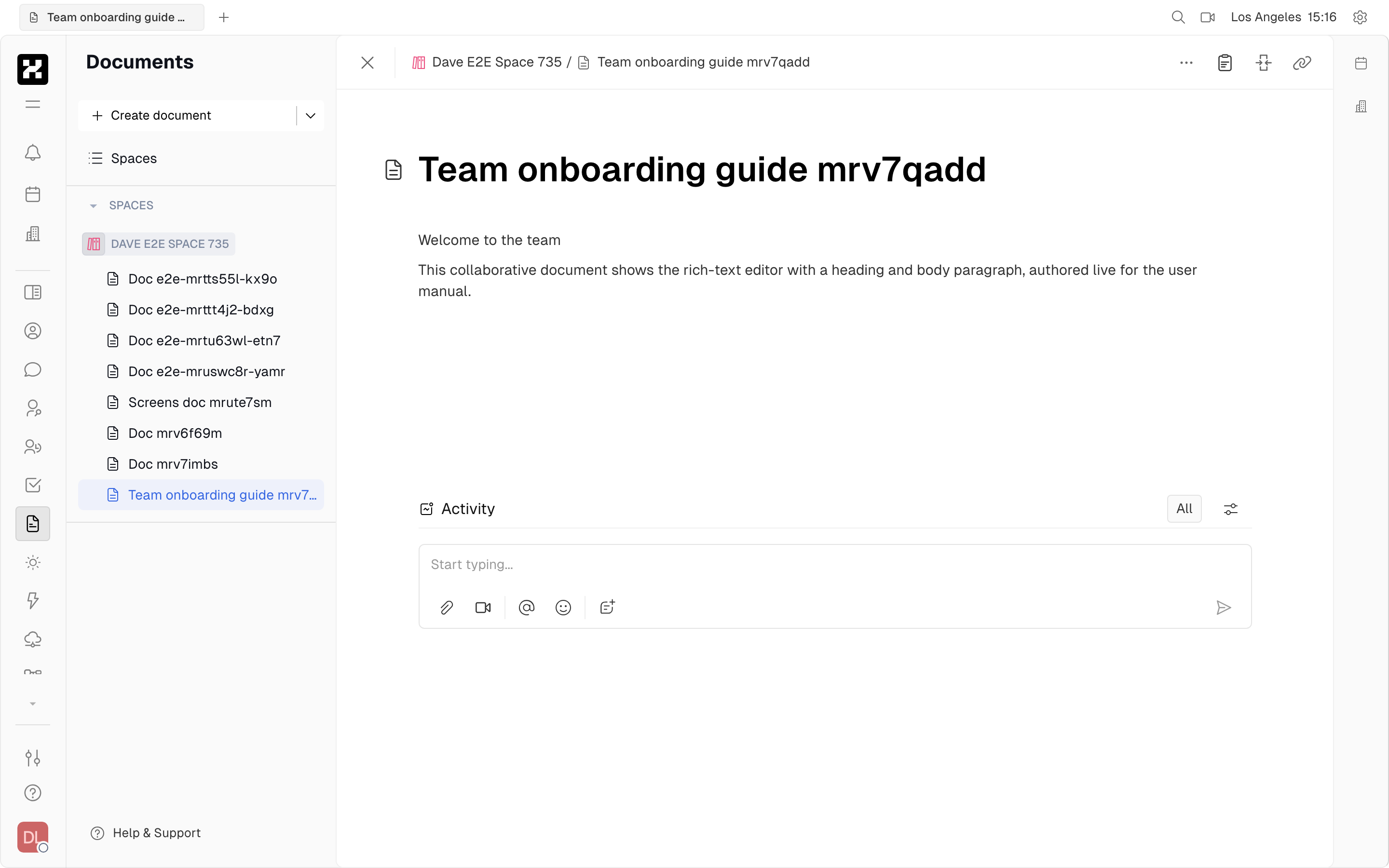
A collaborative document open in the rich-text editor, with its Activity feed below.
When collaborating on a document, click on any member's icon to jump to their live cursor on the page.
On mobile: the editor fills the screen and the document navigator collapses; editing works, though it's most comfortable on a desktop.
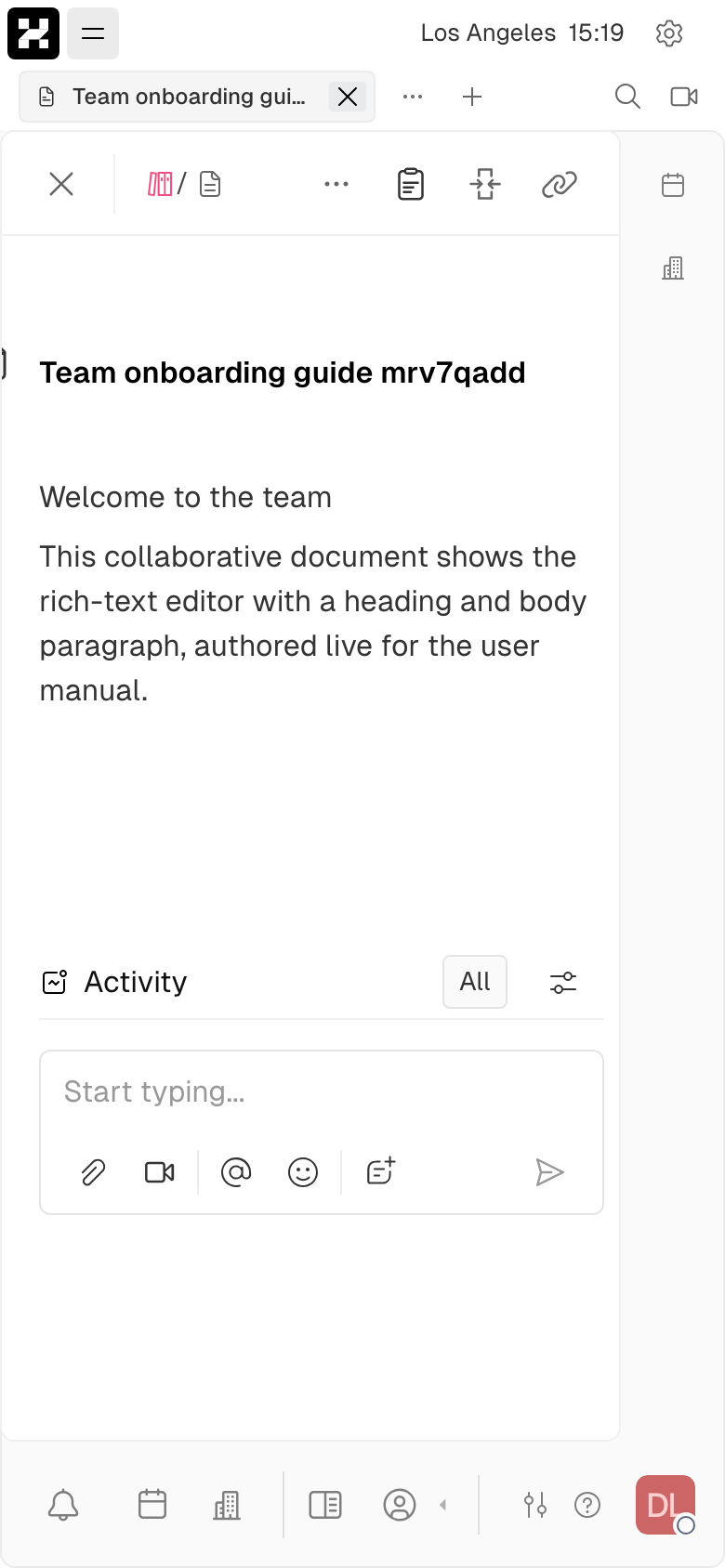
A document on a phone.
Editing during a meeting
Video calls in Hanzo Team can be easily pinned to the right side of the window, allowing team members to continue to view the call while navigating the platform. This makes it easy to reference documents, take notes, and make changes to documents during a meeting.
Assigning action items
When working on projects together, it may be helpful to assign small action items that aren't necessarily connected to any particular issue in the Tracker. Check out our guide on assigning action items in documents to learn more about this feature!