What is Hanzo Team?
An introduction to the Hanzo Team platform.
Hanzo Team is an open-source, all-in-one workspace for running a team — offering an alternative to juggling separate tools like Linear, Jira, Slack, Notion, and Motion.
By combining project tracking, documents, chat, personal planning, a drive, and video conferencing in one place, Hanzo Team keeps your work and your conversations together instead of scattered across a dozen tabs. It is built on the open-source platform by Hanzo AI and uses your Hanzo account for sign-in, so the same identity works across the Hanzo product suite.
What's inside
- Tracker — projects, issues, sub-issues, milestones, and components for planning and shipping work.
- Documents — teamspaces and real-time collaborative editing for your knowledge base.
- Chat — channels, direct messages, and threads, with an inbox that unifies everything that needs your attention.
- Planner — turn action items into a personal daily schedule.
- Drive — store, organize, and share files alongside the rest of your work.
- Contacts and HR — people, teams, employees, and time off.
- Virtual office — built-in voice and video conferencing.
Additional modules — Cards, Controlled Documents, Recruiting, Surveys, Test Management, and Trainings — can be enabled per workspace.
Signing in
You reach Hanzo Team at hanzo.team. The sign-in screen offers every option on one page — pick whichever identity you already use:
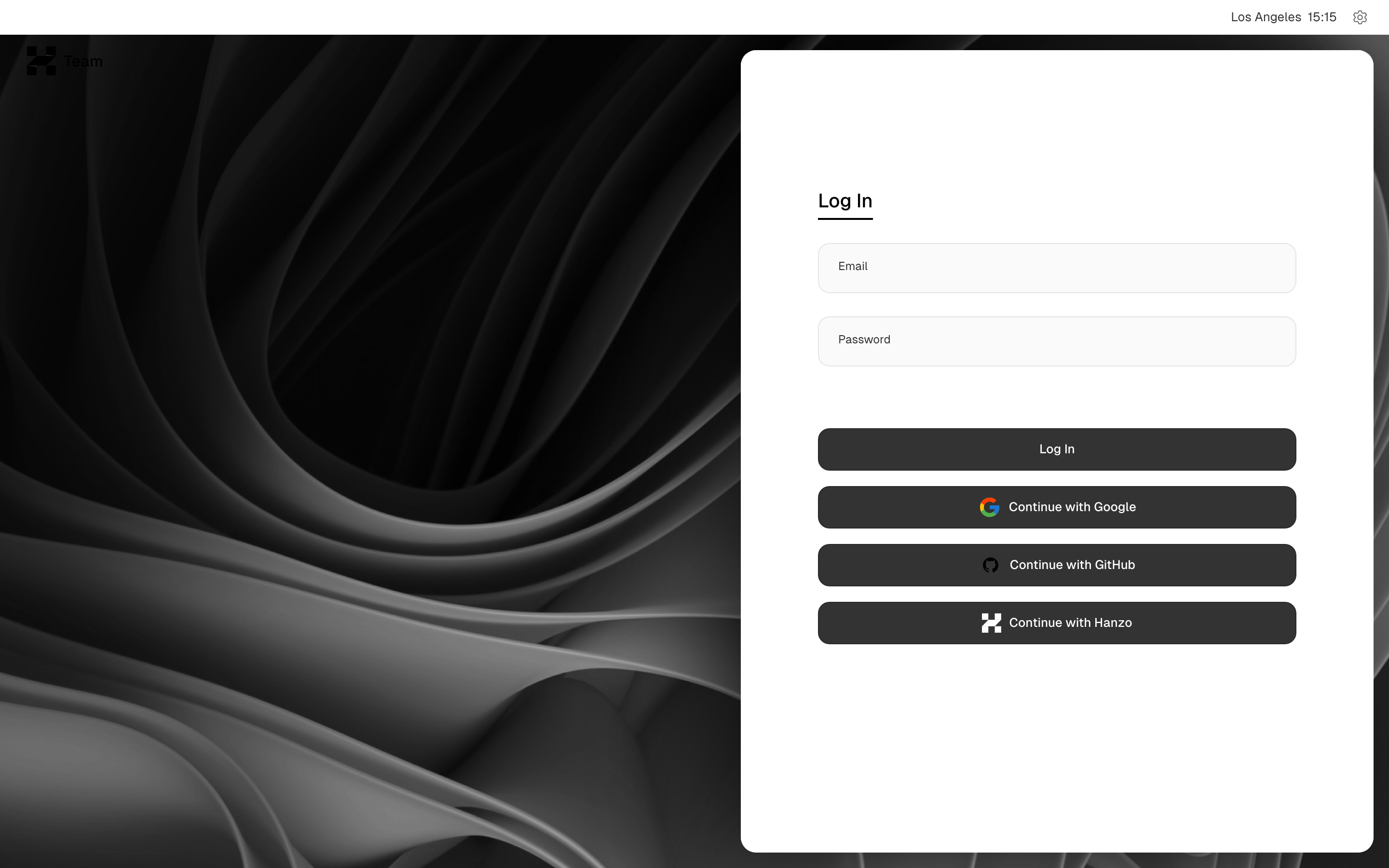
hanzo.team login page — native email + password form with Google, GitHub and Hanzo SSO.
- Email and password — type your address and password, then select Log In.
- Continue with Google or Continue with GitHub — federate through an identity you already have.
- Continue with Hanzo — single sign-on through hanzo.id. Choosing it opens the Hanzo ID authorize screen, where you confirm with your Hanzo email or username and password — or the same Google/GitHub buttons.
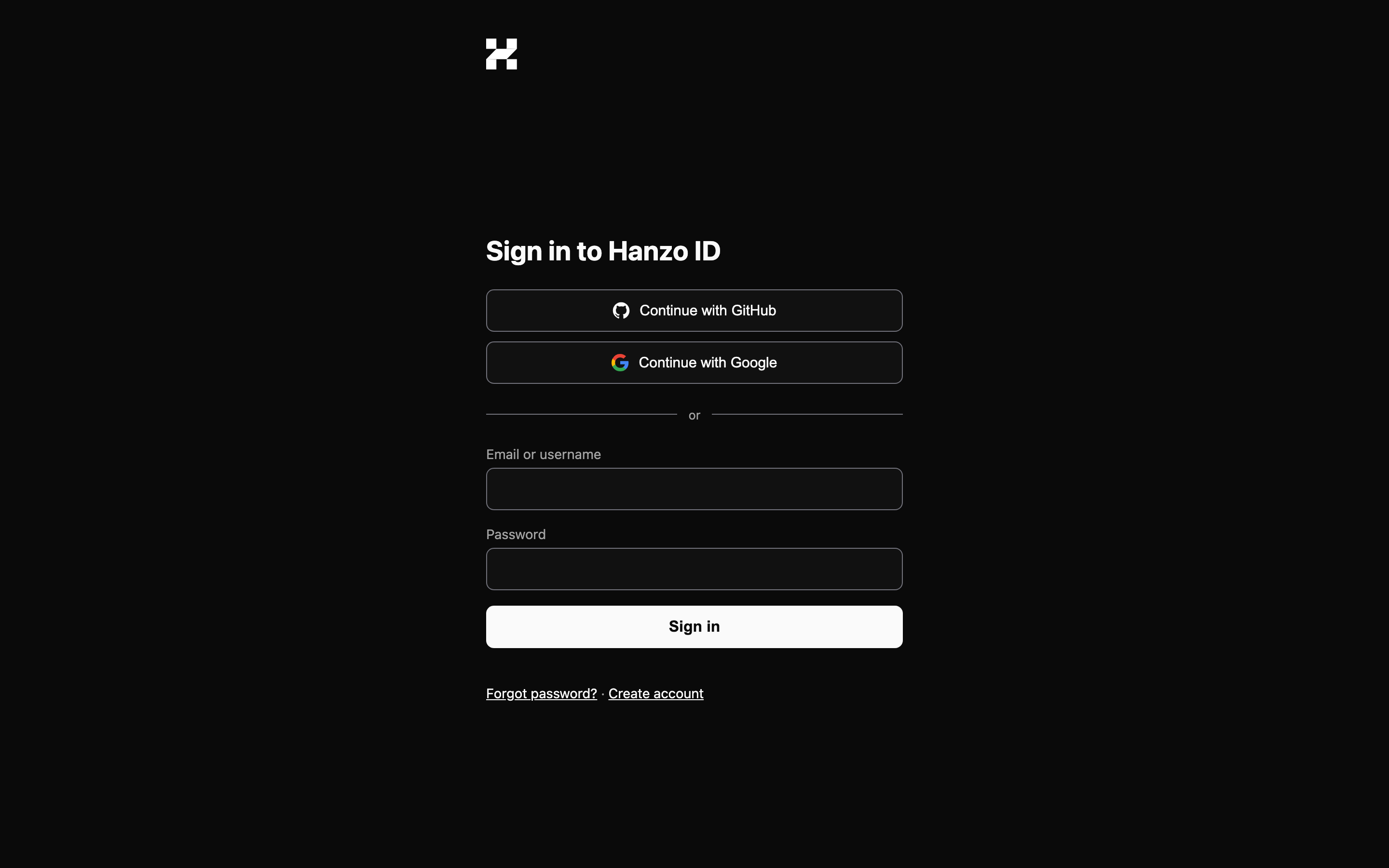
The hanzo.id SSO authorize screen (Continue with Hanzo) — email/username + password.
However you sign in, you end up with a single Hanzo account that works across every Hanzo product — there are no separate "Hanzo Team" credentials. New here? Select Create account on the Hanzo ID screen. For the full first-run flow — creating a workspace and inviting people — see Workspace setup.
On mobile
Hanzo Team is desktop-first. There is no native mobile app yet, so on a phone you sign in and work through the browser. The login page reflows cleanly to a narrow screen, but the app behind it is built for a wide window — expect some panes to feel cramped until the mobile app ships. See Mobile access for what works well today.
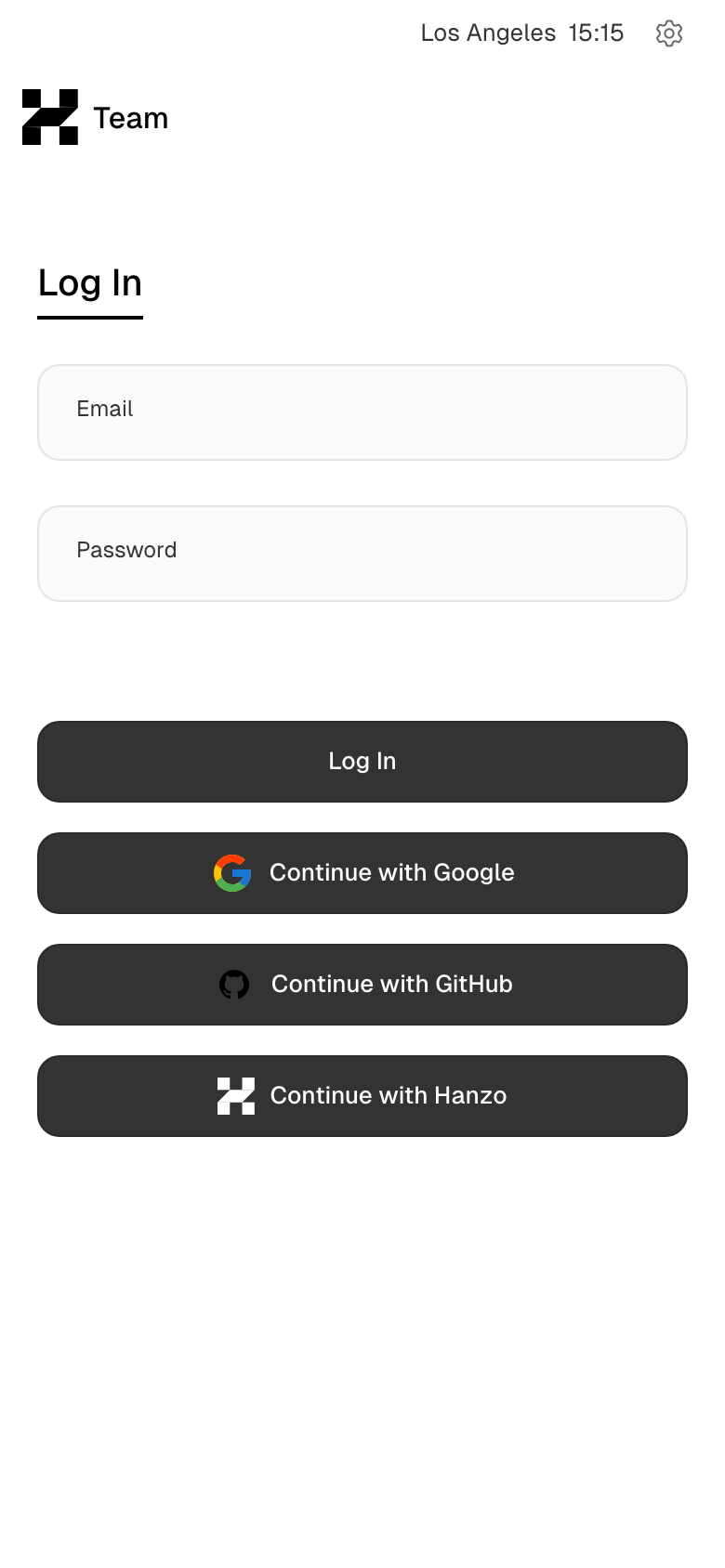
hanzo.team login page — native email + password form with Google, GitHub and Hanzo SSO (mobile).
Getting started
New to Hanzo Team? Start by setting up your workspace, then explore some of the most popular features:
Open source
Hanzo Team is open source. The source lives at github.com/hanzoai/team — star it, file issues, and contribute. You can run it yourself; see self-hosting.
Need help?
If you get stuck, join the conversation in GitHub Discussions or read the rest of these docs. Welcome to Hanzo Team.